
Email Subscriptions in Causey
This guide walks you through how to subscribe to and manage your email notifications in Causey.
1. Email Subscription Options
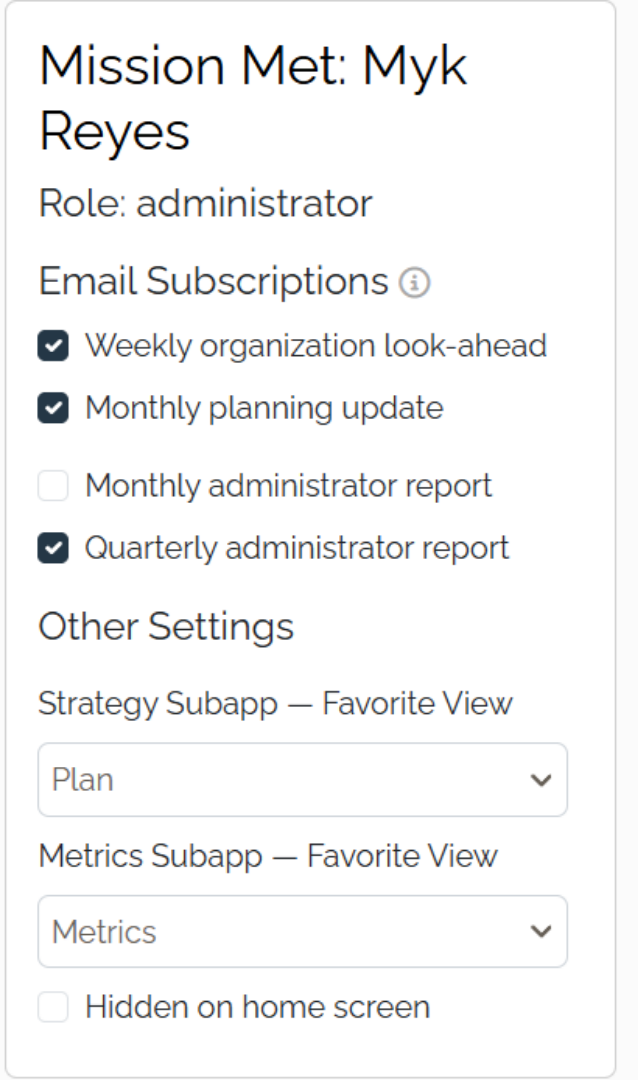
Causey offers three types of email updates to keep your organization informed, based on access level. The weekly organization look-ahead and the monthly planning update are available to all users. The monthly and quarterly administrator reports are available to administrators.
2. Weekly Organization Look-Ahead Email
The Weekly Organization Look-Ahead Email is sent every Monday to keep you on track with your goals and action items. It highlights recently completed goals and action items, as well as those that are due soon or past due.
3. Monthly Planning Update
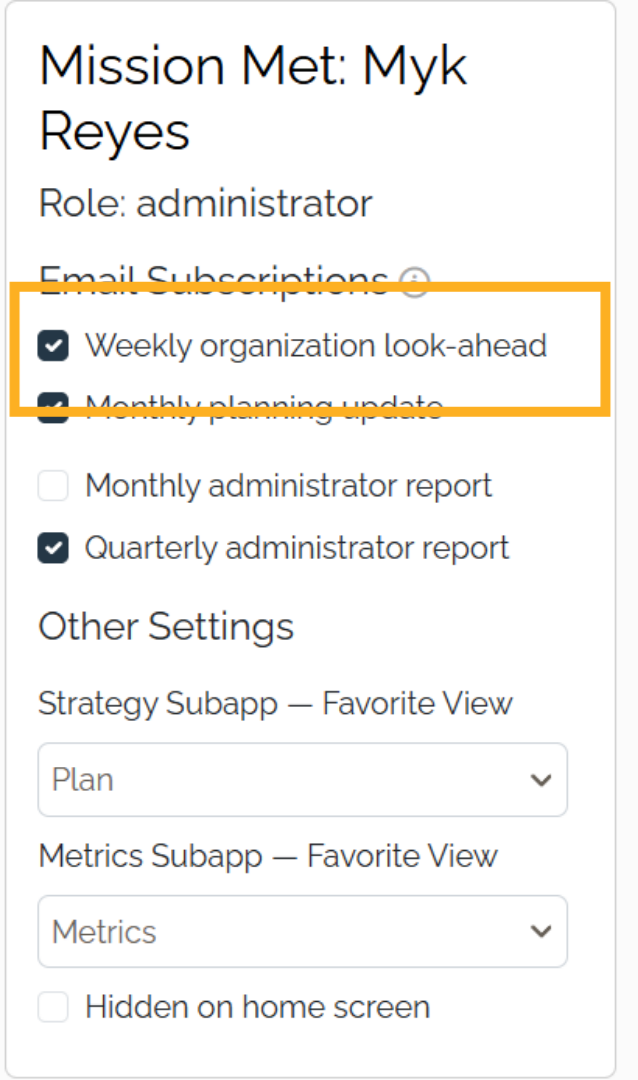
The Monthly Planning Update Email is sent monthly and reminds you to update your goal progress status and take time each month to think strategically.
4. Administrator Report
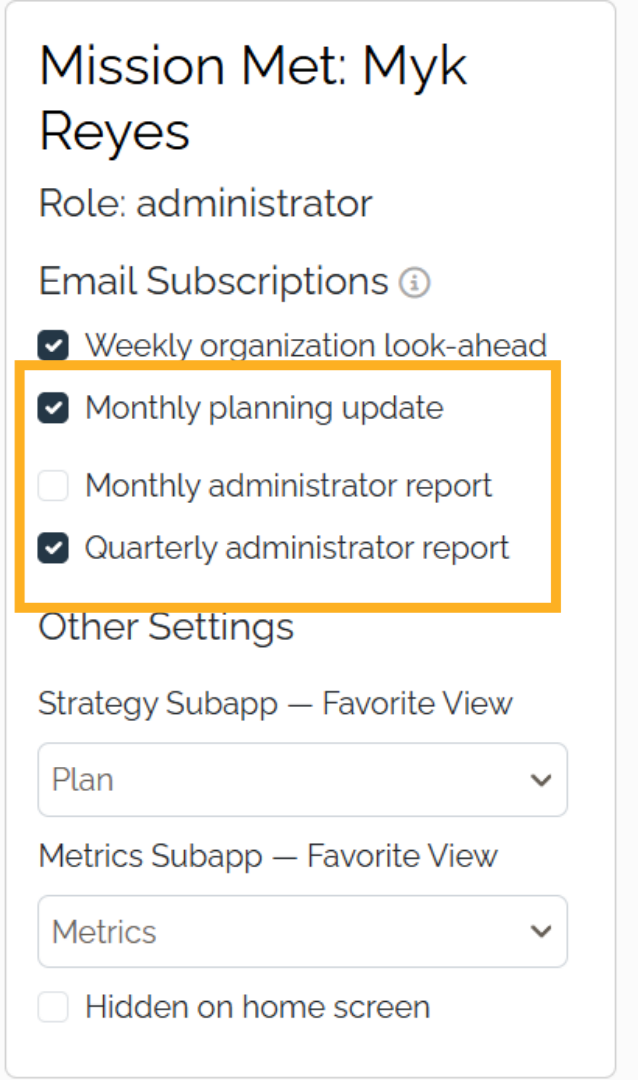
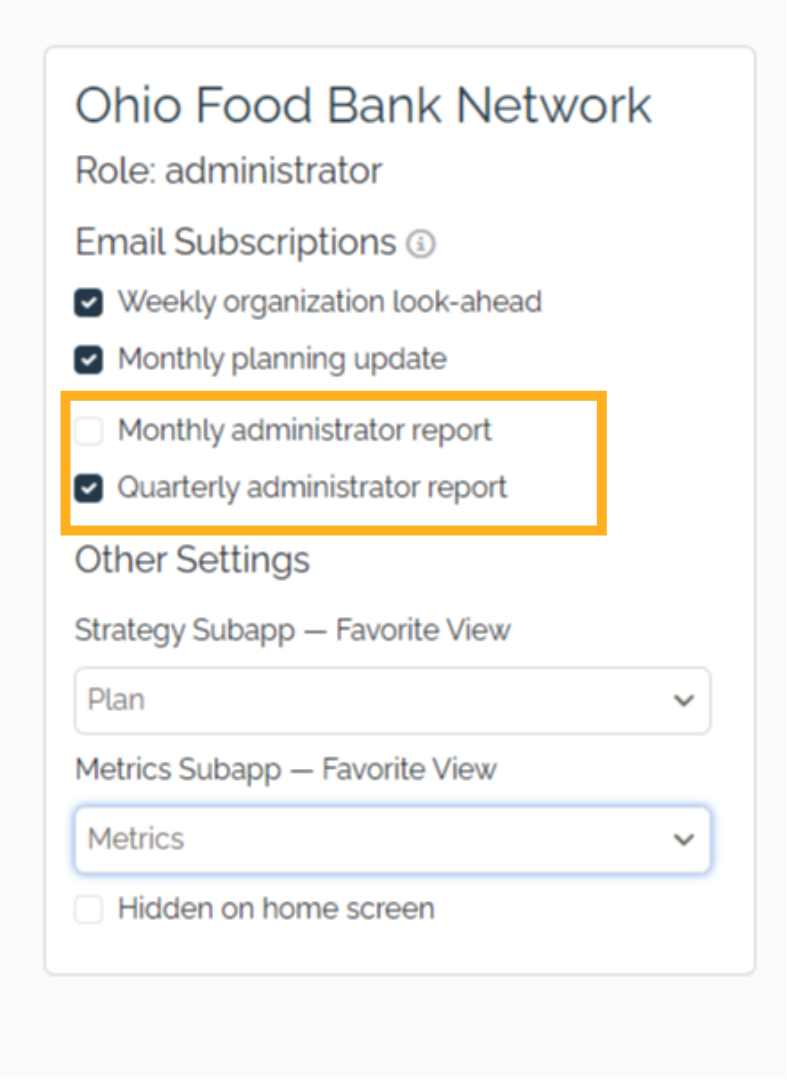
The Administrator Report Email provides a summary of team member activity and invitation status. Administrators can choose to receive this report on a monthly or quarterly basis.
5. Navigate to Account Settings
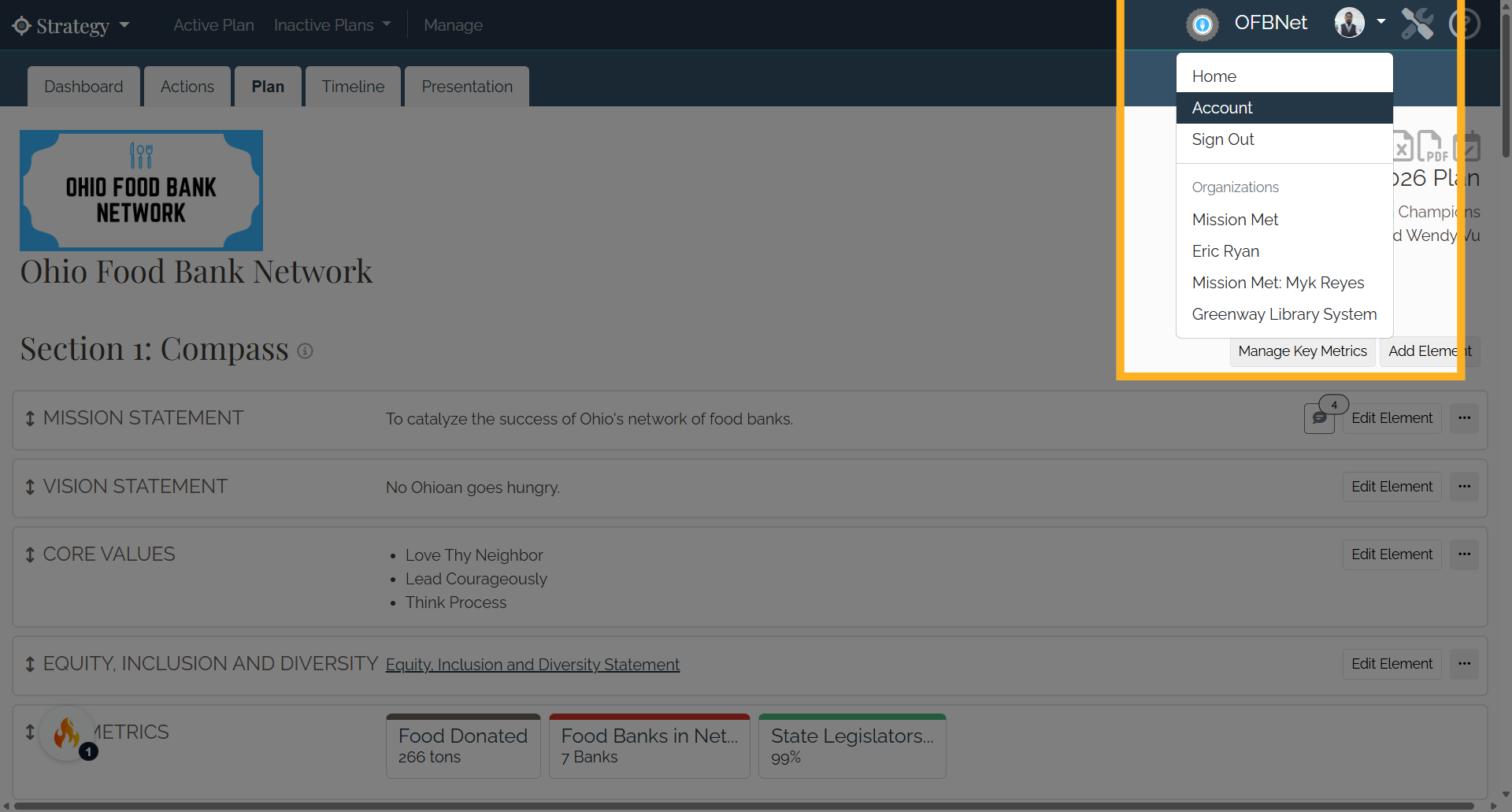
To access your account page, select the drop-down menu with your initials or profile picture in the upper right corner, then select Account.
6. Edit Account page
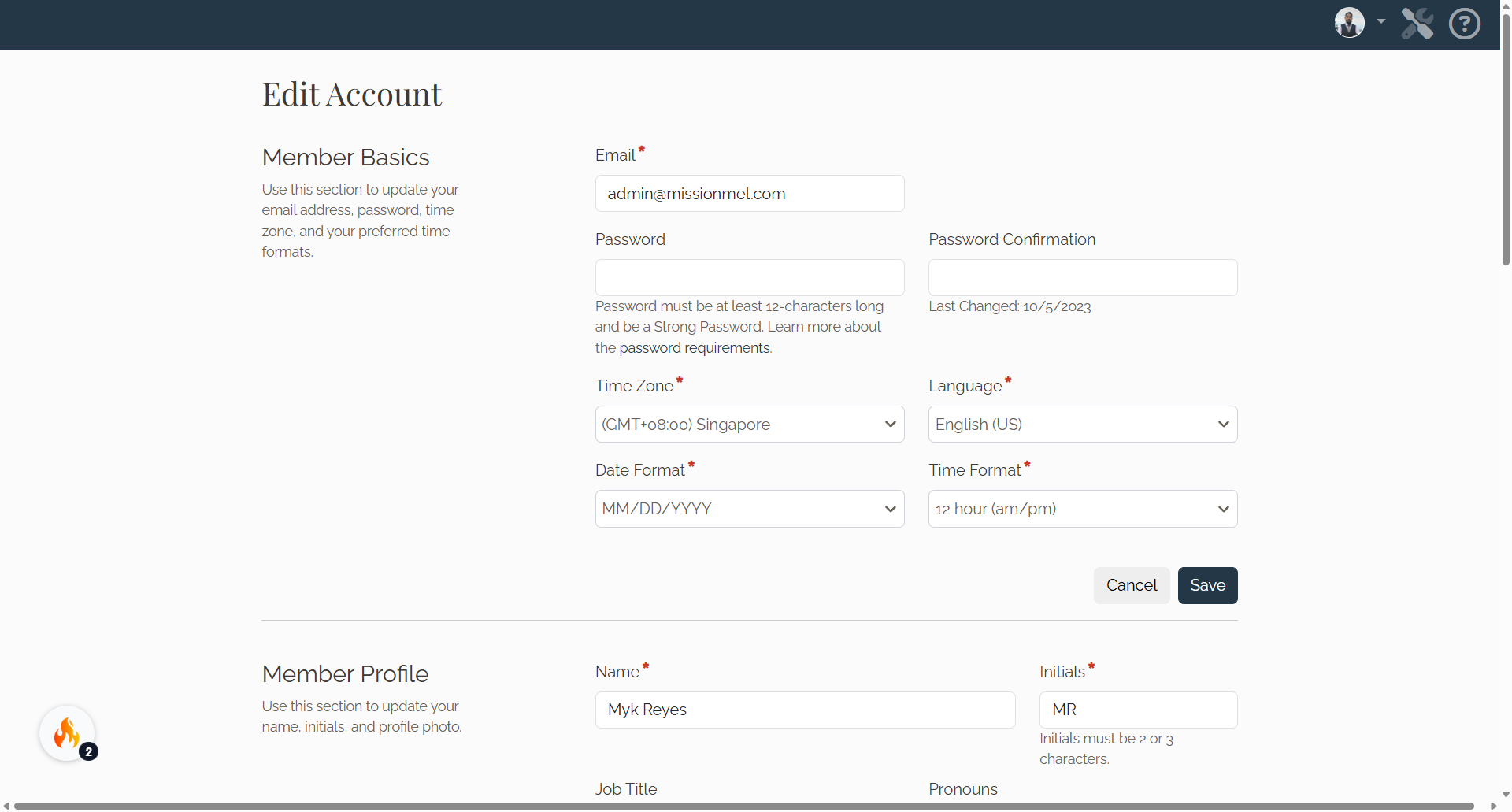
On the Edit Account page scroll down to the Enrolled Organizations and Email Subscriptions section.
7. Enrolled Organizations and Email Subscriptions
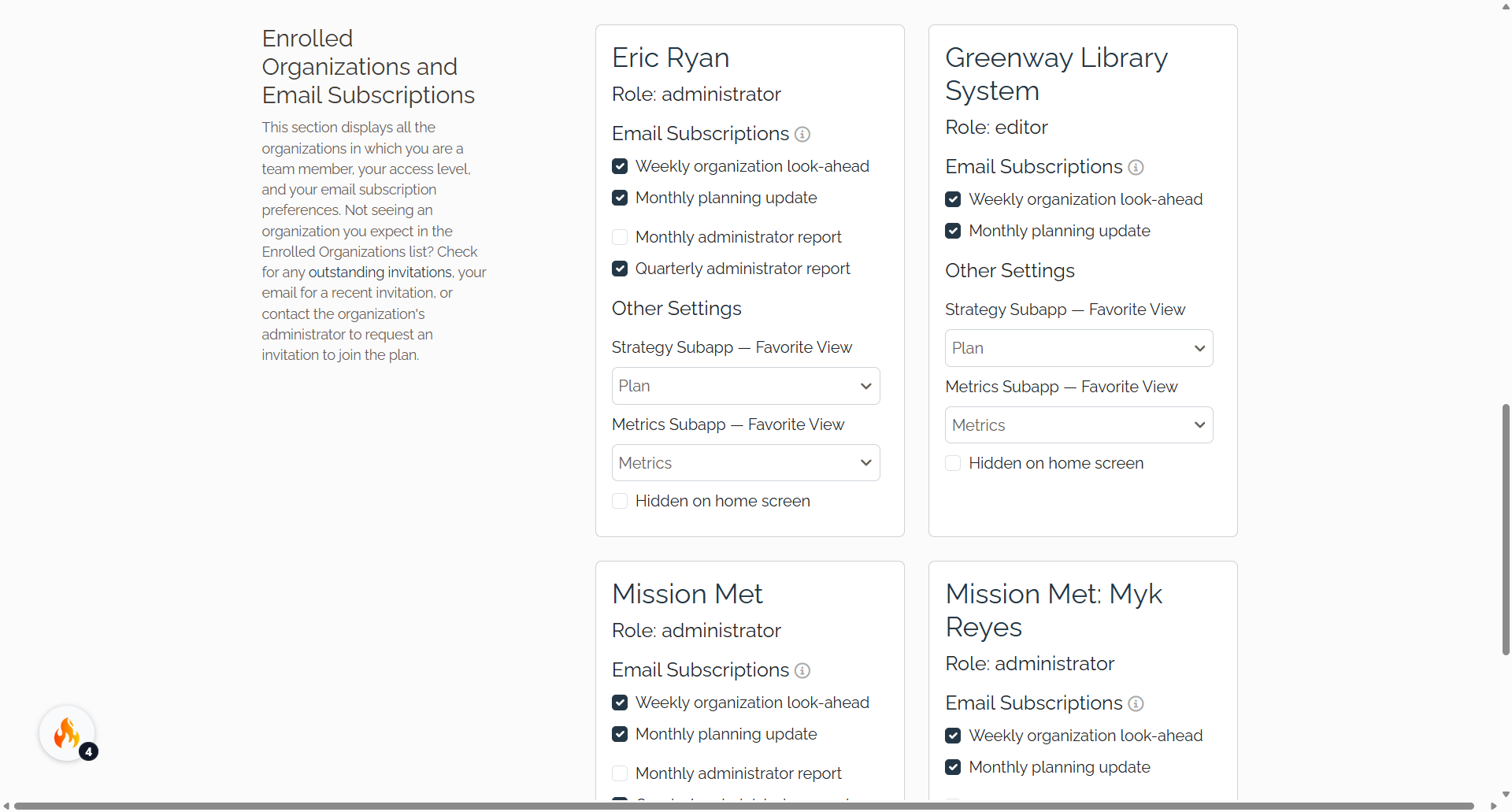
In the Enrolled Organizations and Email Subscriptions section, select the checkboxes to subscribe to the weekly organization look-ahead and monthly planning update emails. Administrators can select the checkbox to receive the administrator report monthly or quarterly. Uncheck the boxes to unsubscribe.
Your email preferences are now set. You can return to your account page anytime to make changes, or visit help.causey.app for more resources.