
Update Billing Information
This tutorial explains how to update your billing information in Causey.
-
Introduction
You can manage your billing information and payment details, as well as view your invoice history, in this section. Only Administrators and team members listed as a billing contact will have access to Causey's billing center on the Organization Settings page. A billing contact does not need to be an administrator. This contact should be the person in the organization who updates billing and payment information for the software subscription.
-
Navigate to Strategy Section
To begin, click the Strategy section in Causey.
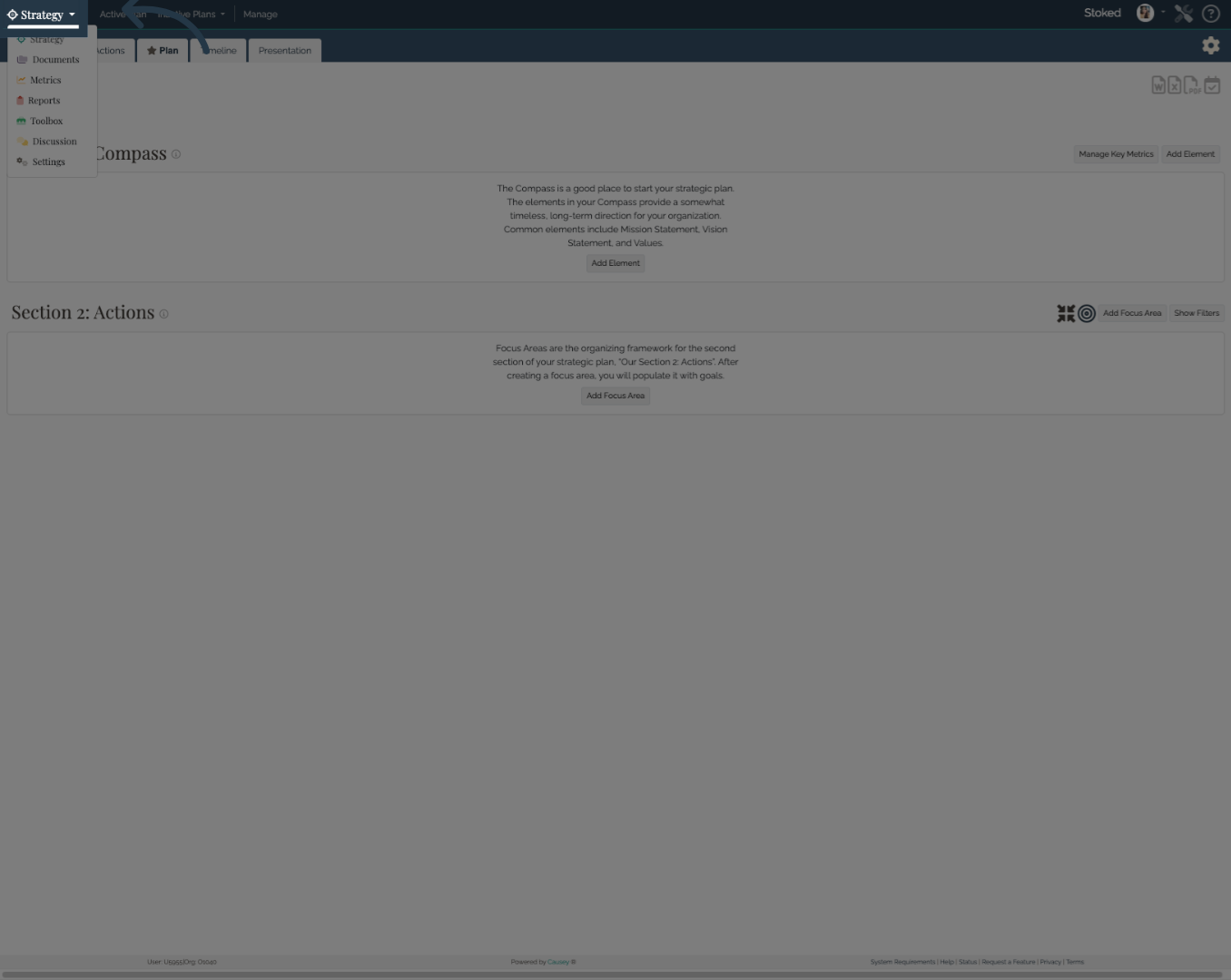
3. Open Settings Menu
Click Settings to access account configuration options.
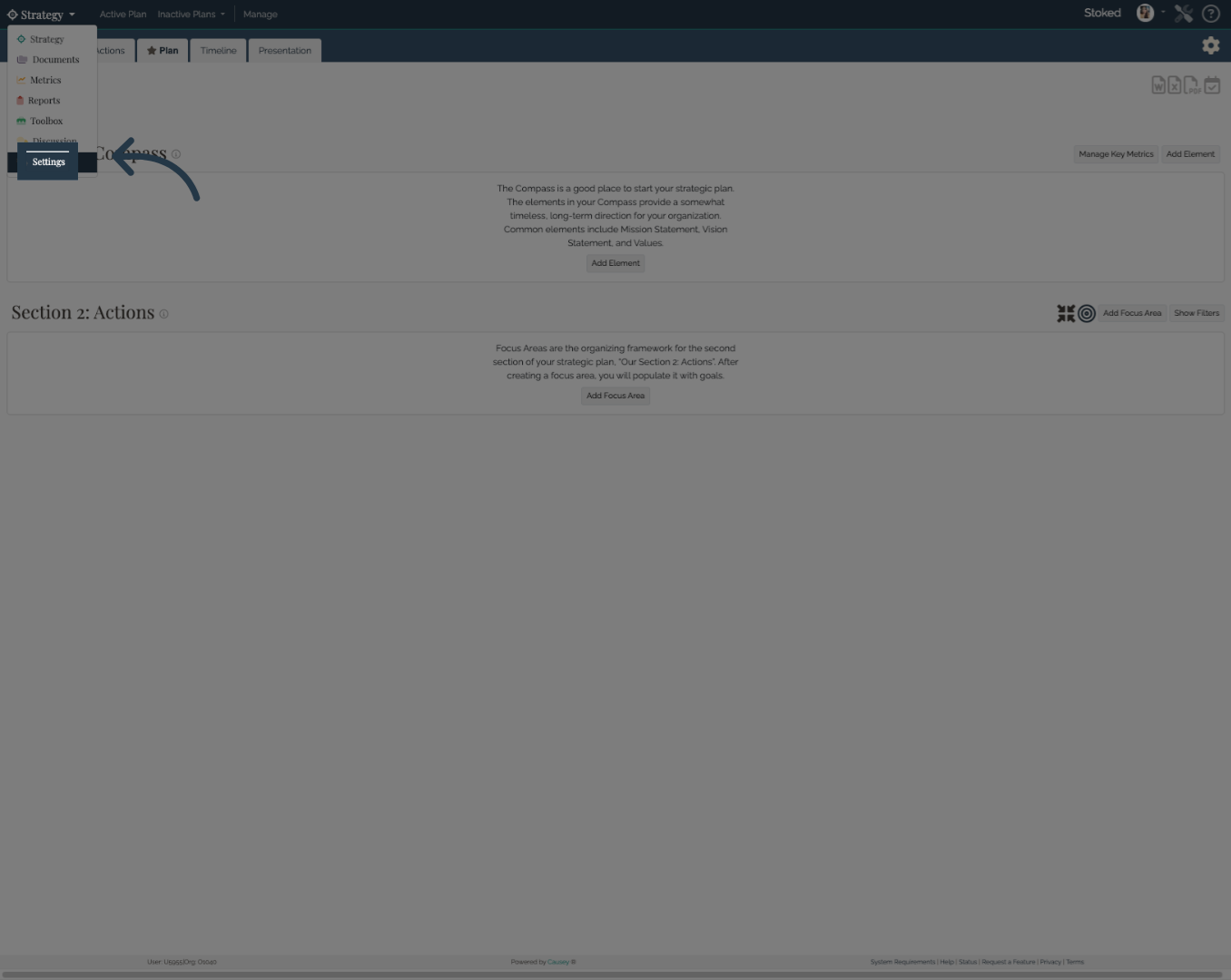
4. Access Manage Billing
Scroll down the page and click Manage Billing to view and modify your billing details in Causey.
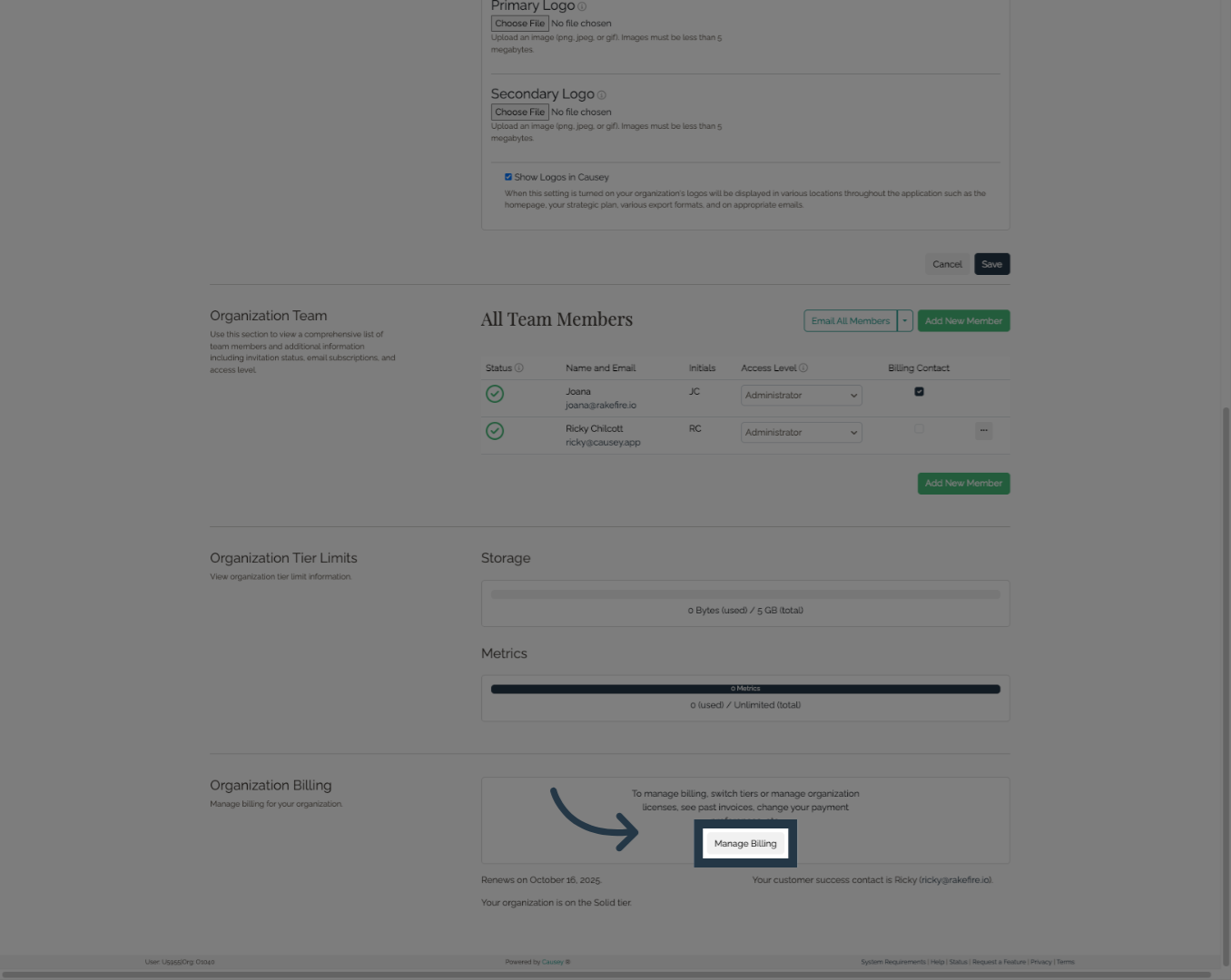
5. Click Update Payment Information
Click "Update information" to add or update a Billing Contact.
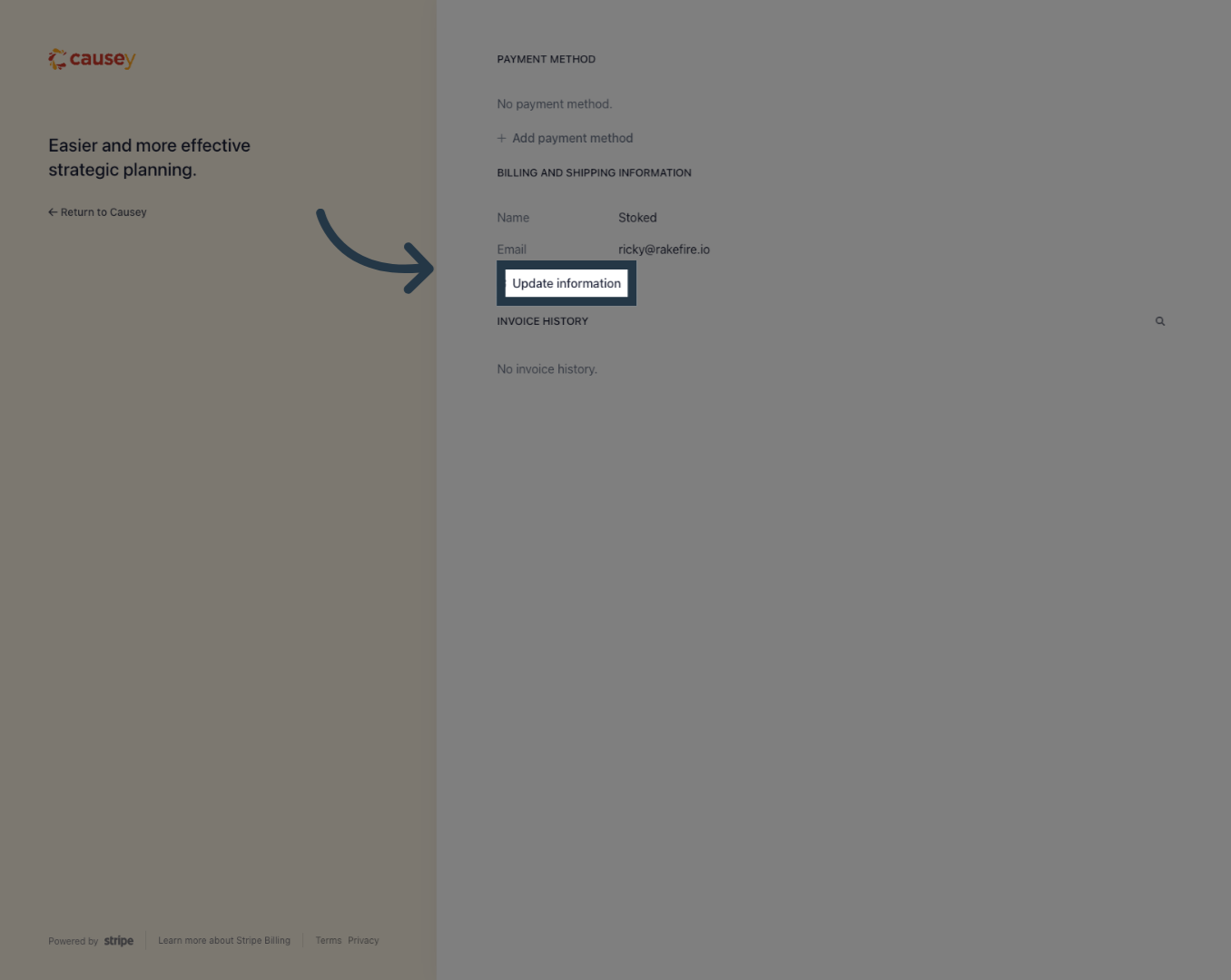
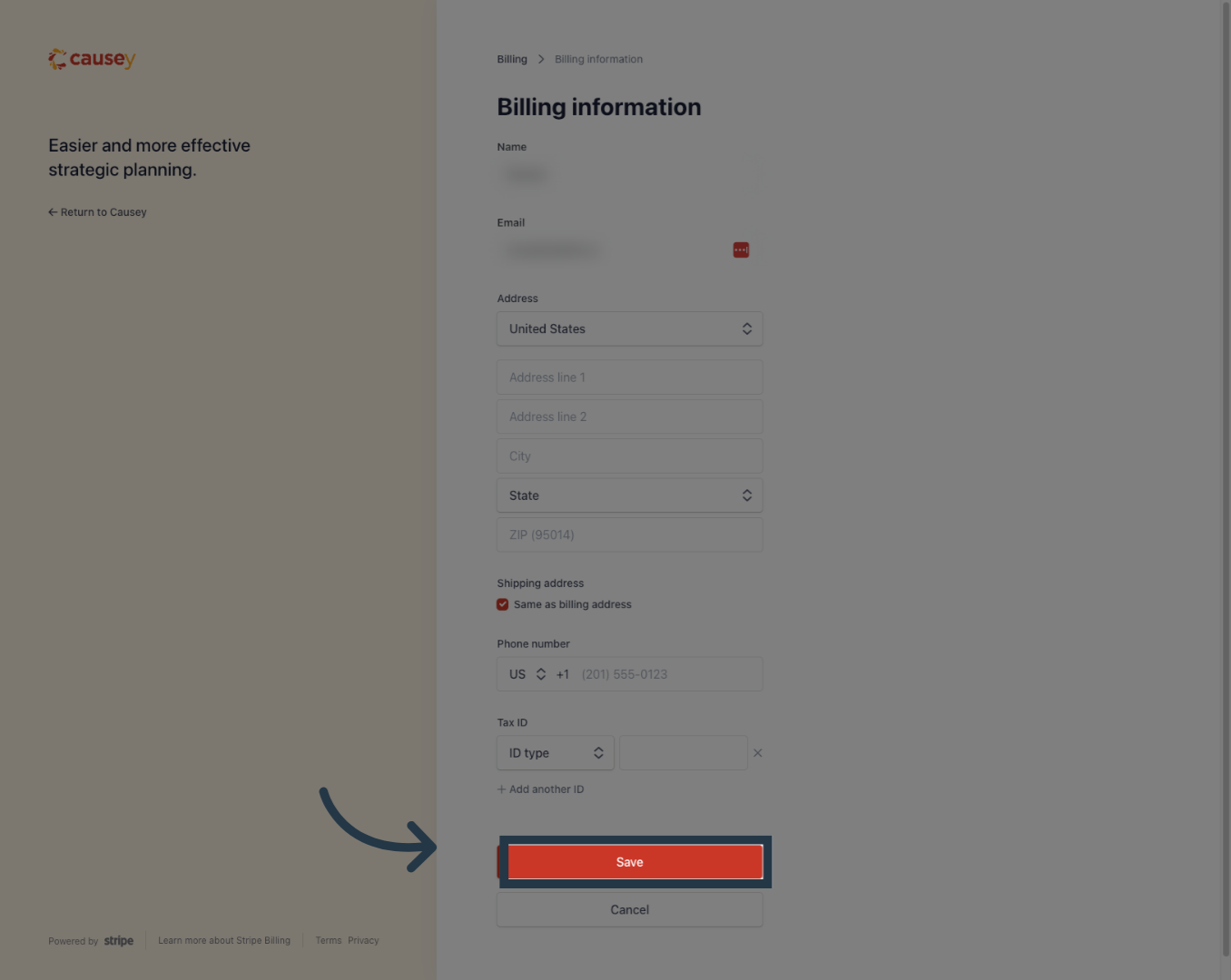
6. Save Your Changes
Once you have added or updated your Billing Contact's Name, Email, Shipping Address, and Phone Number, click "Save" to finalize the update.
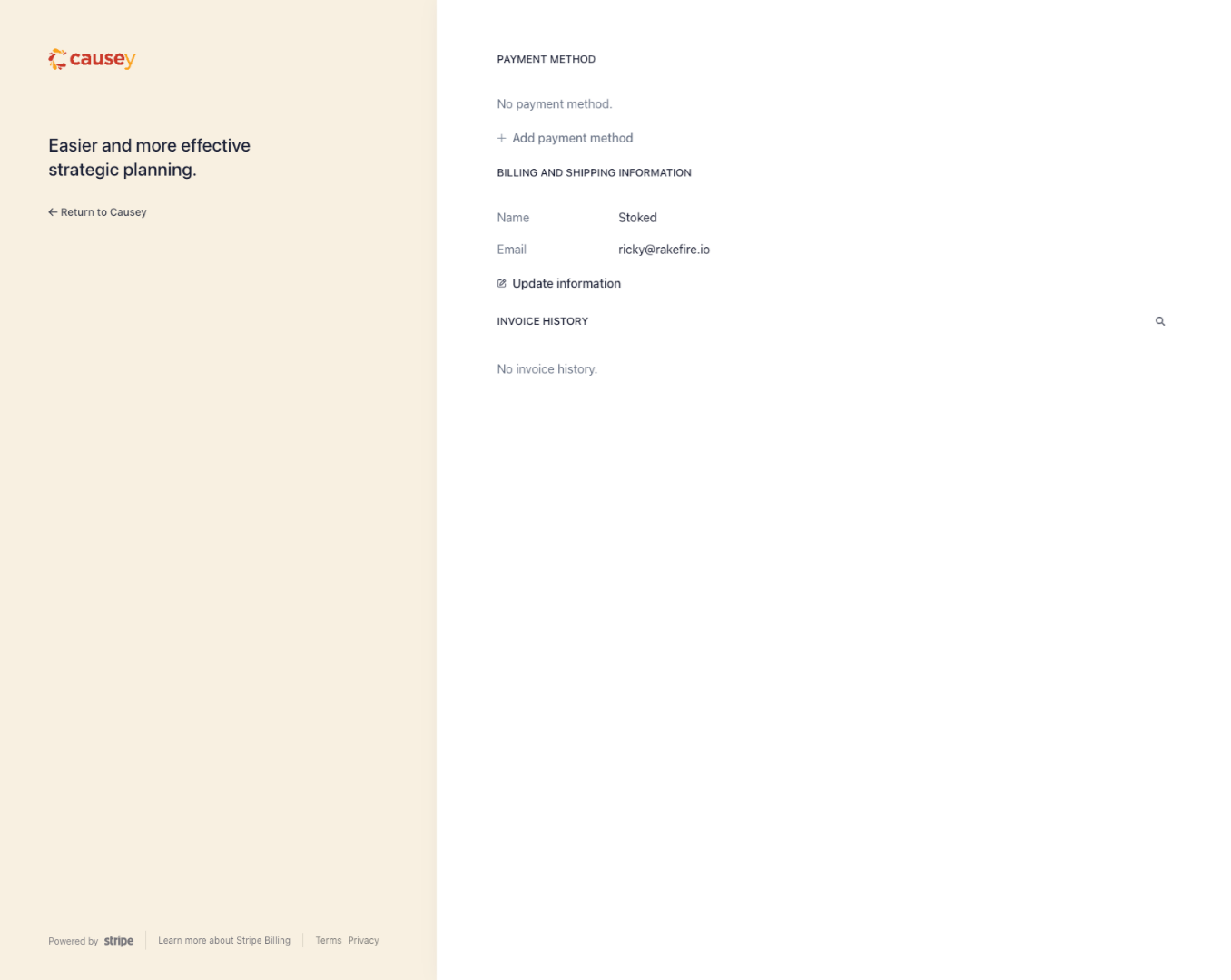
7. Updated Billing Information
All the changes you have made will appear on this page.
Congratulations. You have successfully updated your billing information in Causey.