
Toolbox
The Toolbox is where you can access in-app courses and other learning materials available through Causey.
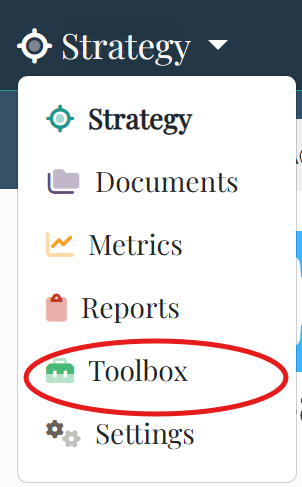
To get started, click Strategy in the top-left corner and select Toolbox from the drop-down menu.
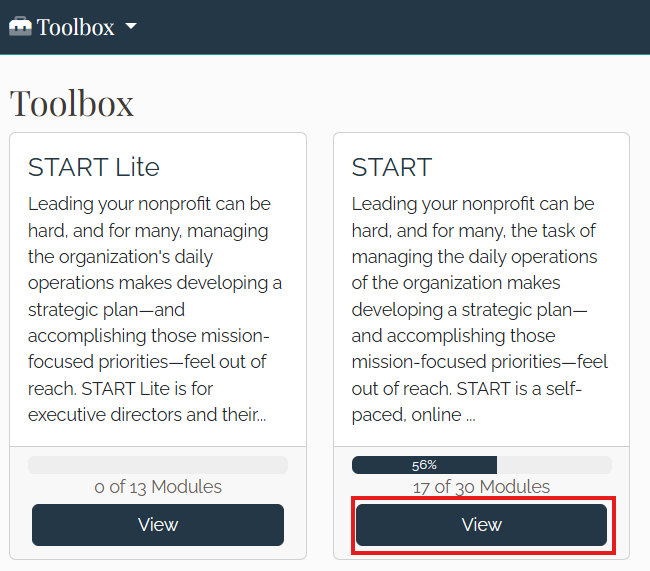
Select a course, then click View to review and complete the content. In this example, the team member has access to START, a strategic planning course offered by Mission Met.
Within the course, the left column displays the sections, which should be completed in order. The right column shows the content for each section.

In this example (from a Mission Met course), each section includes a video with additional controls.
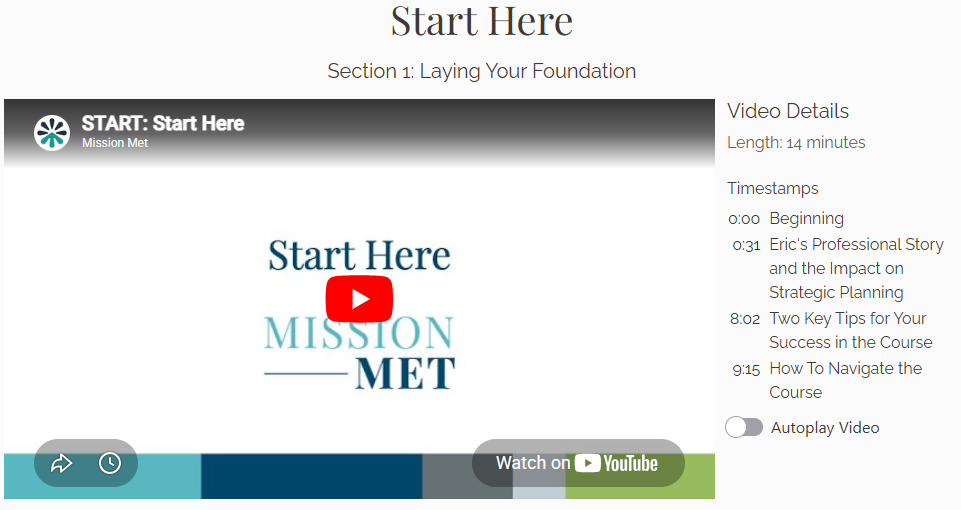
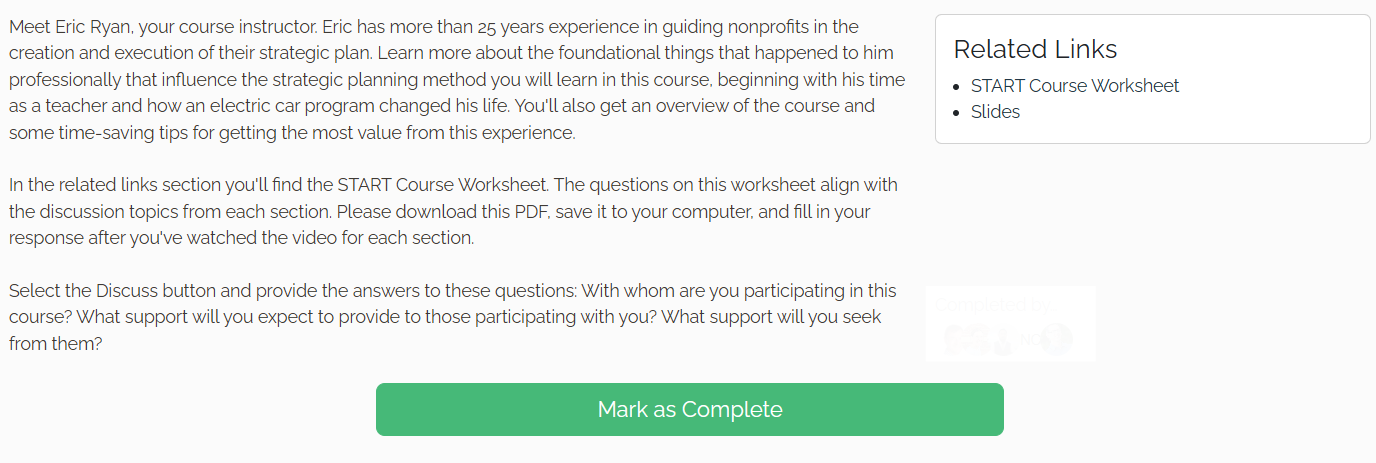
Sections may also include a description, a discussion topic, and related links or materials.
It also includes a section description, a discussion topic, related links and materials.
Next Steps
Strategic planning in Causey is designed to be continuous, practical, and aligned with your organization’s goals.
For more resources, visit help.causey.app.